

Sorting
Site Search > Configurations > Advanced Configurations > Sorting
Search environments often let us sort the search results in multiple ways (such as by relevance, ratings, price, or recency).
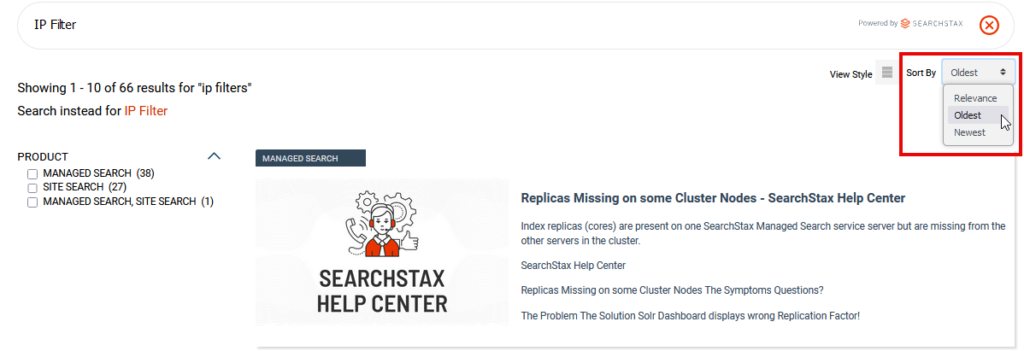
The SearchStax Site Search solution lets us take control of this feature and define the sort options offered by the current Search Profile.
Sorting is an App-level feature.
Navigate to Site Search > Configurations > Advanced Configurations > Sorting.
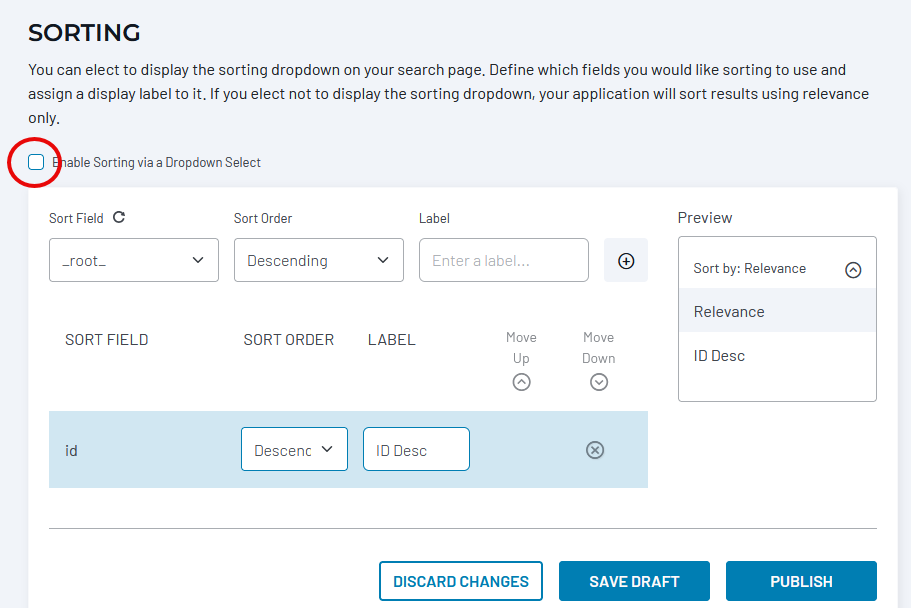
The checkbox on the left enables the sorting control. The Sort Field control lets you choose a field to sort by.
Location-Based Search
The Location feature can place a geodist() item in this list.
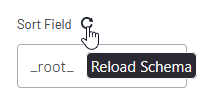
Note the Reload Schema icon above the list of fields. If you can’t find a field in the list, try reloading the schema.
Not all fields may be used for sorting!
Site Search automatically limits the Sort Fields on this screen to those that Solr accepts for sorting. Solr accepts any primitive field (numerics, string, boolean, dates, etc.) which has docValues=”true” (or multiValued=”false” and indexed=”true”). See Apache Solr’s Common Query Parameters for more information.
The Sort Order control offers ascending or descending sort order. The Label is the text the user will see in the sorting droplist. Use the (+) button to add the field to the sorting list. The Preview field on the right shows what the sorting control will look like on the search page.
The list at the bottom of the screen reflects the sort options. Select an option and click the Move Up and Move Down buttons to control how the options will be ordered on the sorting control.
Click the Save Draft button before you leave or refresh a page. Otherwise, changes can be lost. The Publish button updates the search configuration to make the changes active.
Publish to Multiple Profiles
Add-on Feature
This is an optional feature that can be added to your SearchStax account. Ask your Account Representative for details.
When you Publish changes to the Sorting feature, Site Search gives you an opportunity to copy the settings to your selection of profiles. (The feature overwrites the selected Profiles with the current Sorting configuration.)
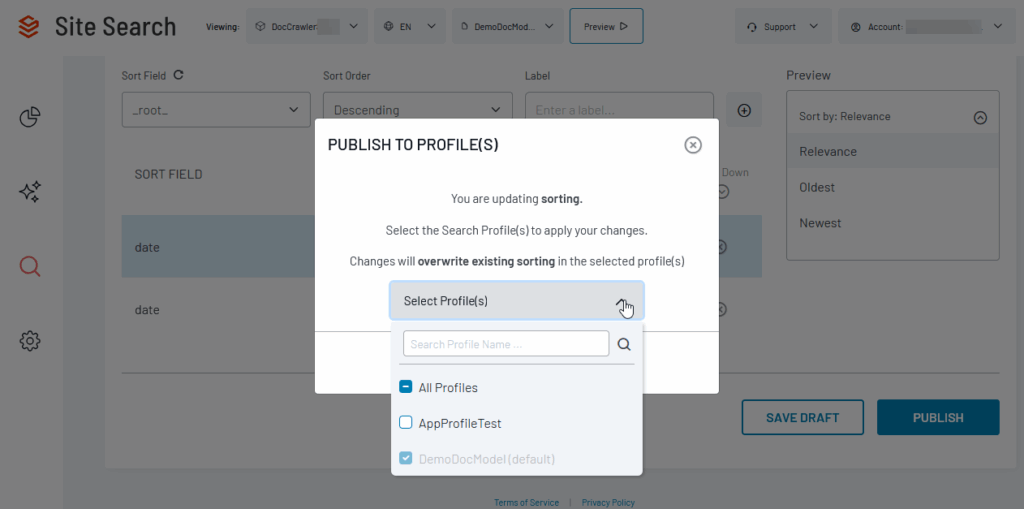
Simply check off the profiles where you want to share the Sorting settings and click the Publish button.
Questions?
Do not hesitate to contact the SearchStax Support Desk.