Optimizely

March 26, 2026
Jeff Dillon
|
Government websites carry one of the hardest digital experience challenges there is.
They are expected to serve millions of people, across very different needs, with a single interface. Citizens often arrive in moments of stress. Professionals depend on the site for daily workflows. Researchers and watchdogs expect full transparency. And all of them are supposed to succeed using the same navigation, the same content structure and the same homepage.
That rarely works.
Most government websites are built around internal structures such as agencies, departments, programs and reporting lines. But website visitors do not think in org charts. They think in tasks, problems and deadlines.
That gap explains why site search often becomes the most important experience on a government website. Site search is the one tool that lets users skip institutional complexity and move directly to intent.
And it also explains a truth many agencies still overlook.
Government digital failures are rarely caused by missing services. They’re caused by people on the site being unable to find what already exists.
Citizens: Infrequent, High Stakes Users
For most residents, interaction with a government website happens during stressful or unfamiliar moments.
They’re not browsing. They are trying to solve a problem quickly, often with financial or personal consequences attached.
Typical scenarios include:
- Filing unemployment claims
- Applying for disaster relief
- Requesting birth or death certificates
- Appealing property taxes or fines
In these moments, navigation menus are almost irrelevant. A user doesn’t know which department handles unemployment. They don’t know whether disaster relief lives under emergency management, social services or a federal program.
So they do what modern users always do. They search.
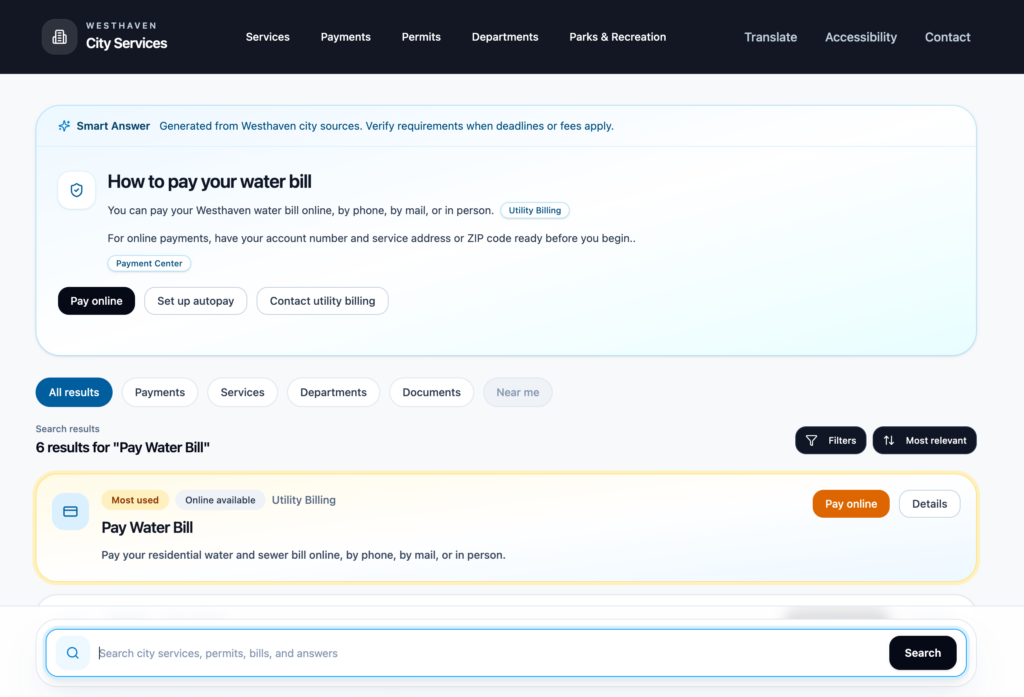
A large meta-analysis of 144 usability studies found that users consistently prefer systems that reduce workload and task time, reinforcing the idea that when people are under pressure they gravitate toward the fastest path to an answer, often search (ScienceDirect)
For government sites, that behavior is amplified. When search fails to understand plain language or route people to the correct form, abandonment rises. So does call center demand. The digital channel stops reducing workload and starts pushing pressure back onto staff.
Search isn’t just a convenience feature in these moments; it’s the bridge between public services and the people who need them.
Professionals: Frequent, Task Driven Users
Government websites aren’t only for the public. Many of the heaviest users are professionals who depend on these sites every day.
Attorneys, contractors, healthcare providers, accountants and compliance teams often interact with government platforms as part of their core workflow. For them, the website isn’t informational. It’s operational.
Common examples include:
- Court filings and legal documents
- Permit submissions and licensing renewals
- Regulatory uploads and compliance reporting
- Tax documentation and financial records
These users already understand the system. What they need is speed and precision.
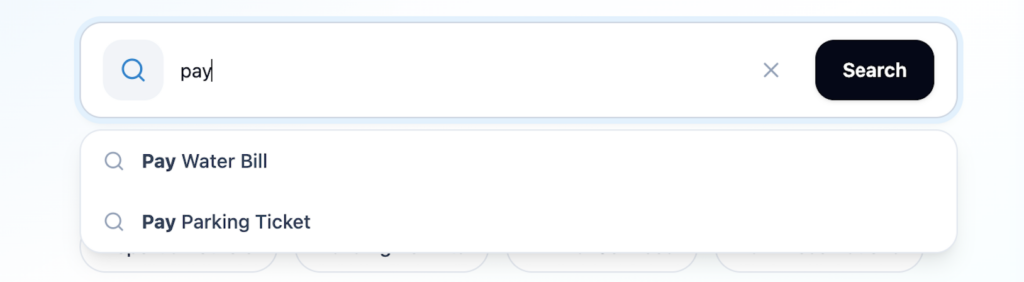
A contractor submitting permits doesn’t want to read explanations about zoning. They want the exact form, the correct version and any supporting instructions in seconds. Filters, metadata and relevance ranking matter far more than polished copy.
This mirrors findings from the U.S. Digital Service and 18F playbooks, which stress that government digital services must be built around real user tasks rather than agency structure.
For professional users, search should be the fastest route through complex systems. When it works well, it shortens workflows. When it fails, it slows compliance, frustrates partners and increases back and forth with agencies.
Compliance Requirements: Transparency Users
Government websites also carry a third responsibility: publishing and preserving public information.
Transparency laws, records requirements and open government policies mean agencies must host vast archives of documents, reports and historical records. Many of these are accessed infrequently, but they must remain available and discoverable.
Examples include:
- Archived legislation and policy drafts
- Public meeting minutes and recordings
- Environmental impact reports
- Budget disclosures and historical data
Navigation simply can’t scale to this volume. No menu structure can logically expose thousands of documents spanning decades.
Search is what makes transparency usable.
Why Site Search Matters More Than Most Agencies Realize
Government websites do not usually suffer from a content problem. They suffer from a findability problem.
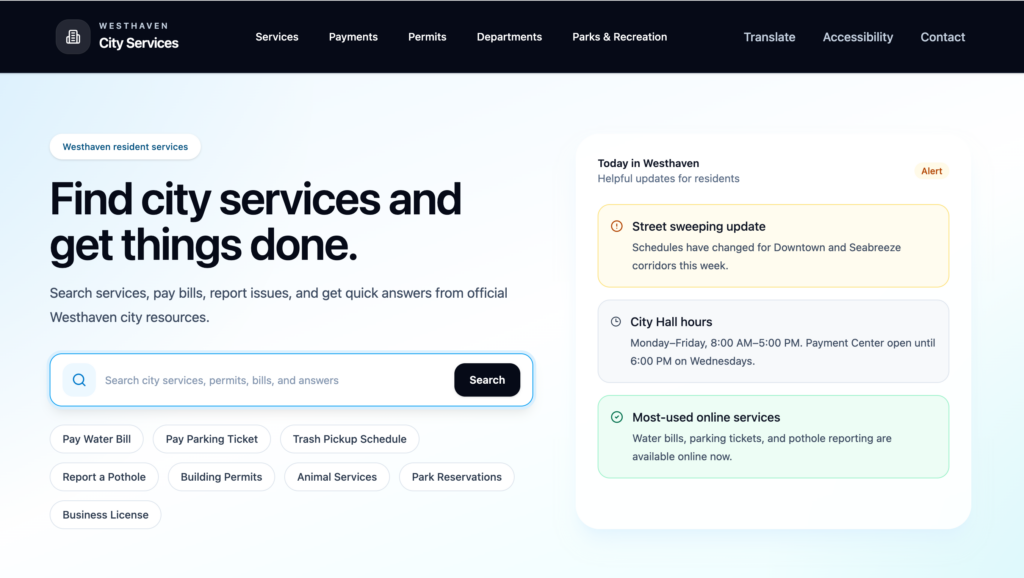
Most agencies already offer the services citizens need. They already publish the documents professionals require. They already maintain the records transparency laws demand. The challenge is connecting users to those resources quickly, clearly and reliably.
One municipality that has clearly recognized the importance of findability is Nashville, Tennessee. The city’s digital team has invested heavily in improving task based access and search performance across Nashville.gov focusing on helping residents reach services quickly rather than forcing them through departmental structures.
By prioritizing plain language queries, streamlined service pages and strong internal search performance, Nashville has treated search not as a secondary tool but as a primary access point to government. That approach reflects a broader shift among leading public sector digital teams. The website is no longer just an information repository. It is a service platform, and search is often the front door.
Site search is the one experience shared by every audience, every task and every moment of urgency. It is the only interface that works equally well for a stressed citizen, a daily professional user and a researcher digging into archives.
Search isn’t a checkbox. It’s the backbone.
Agencies that treat search as a basic utility often struggle with abandonment, rising call volume and frustrated users. Agencies that invest in search as a strategic experience tend to see the opposite. Faster task completion, better satisfaction and lower support burden.
In a digital environment where government trust increasingly depends on usability, findability may be one of the most important public service metrics there is.
Because in government, the problem is rarely that services do not exist.
It is that people can’t find them.
Fix that, and you haven’t just improved a website. You’ve made government work.